




Construction Project Management Software That Knows What Every Decision Costs
Schedules, contracts, change orders, crews and clients in one place, connected to your real job costs. When a date moves, you see what it does to the budget the same minute.
No credit card. No setup fee. No contract.
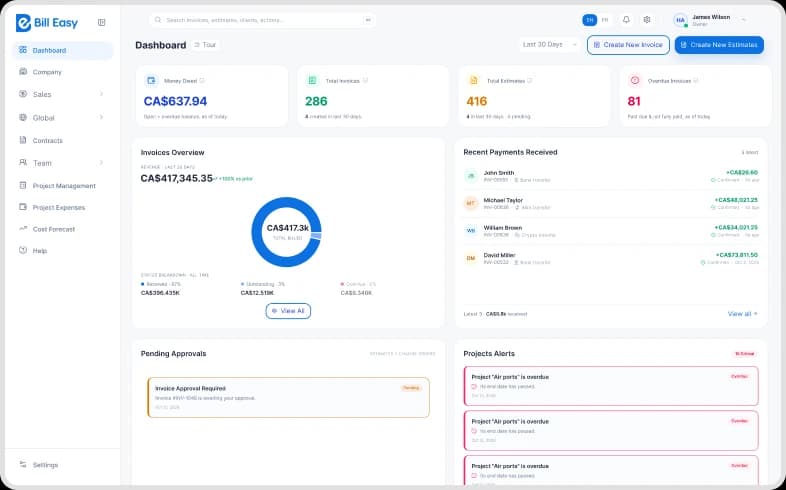


Trusted by 100+ Canadian construction businesses
From single-crew renovators to multi-site general contractors.
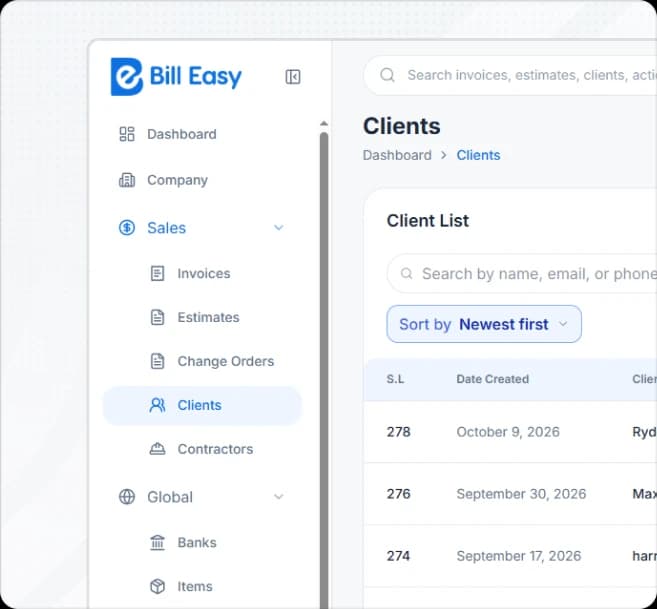
Your Schedule and Your Budget Should Not Live in Different Apps
Construction project management usually means one of two things. Either a field tool that is excellent at drawings, RFIs and daily logs but has no idea what anything costs. Or an accounting system that knows every number but cannot tell you when the work is happening.
So most builders run both, and spend every Friday reconciling them. A change order gets approved in one system and re-entered in the other. A delay shows up in the schedule but nobody updates the forecast. By month end the two versions of the job do not match, and nobody is sure which one is right.
BillEasy was built the other way round. The schedule, the contract, the change order and the cost all sit on the same record. Move a date and the forecast moves. Approve a variation and the budget updates. There is one version of the job, and everyone is looking at it.
Software That Already Knows
the Rules You Work Under
Holdback, prompt payment, T5018 and WSIB. Most construction software was built for the United States and leaves all four to you and a spreadsheet. BillEasy handles them as standard.
 01
Statutory Holdback
Calculated on every progress draw, flagged when the release date arrives, and held against the project for lien purposes.
 02
Prompt Payment Legislation
Payment and notice timelines tracked by province, so you know the clock you are on before a deadline passes.
 03
T5018 Contract Payment Reporting
Subcontractor payments tracked all year and the filing prepared when you need it.
 04
WSIB and WCB Clearance
Clearance certificates and subcontractor insurance tracked with expiry alerts, so you never pay against a lapsed certificate.
Most software was built for the US market. Most of them are manually operated in those systems.

See your schedule and your budget on one screen.
Import a live job and run it through a real week. Thirty days, no credit card.
Four Things That Go Wrong on Every Job
None of them are about the building. All of them are about information arriving too late.

Pain Point

The Solutions

Schedule and cost on one record.
Move a date and BillEasy recalculates the forecast at completion. You see the cost of the delay the day it happens, not at month end.
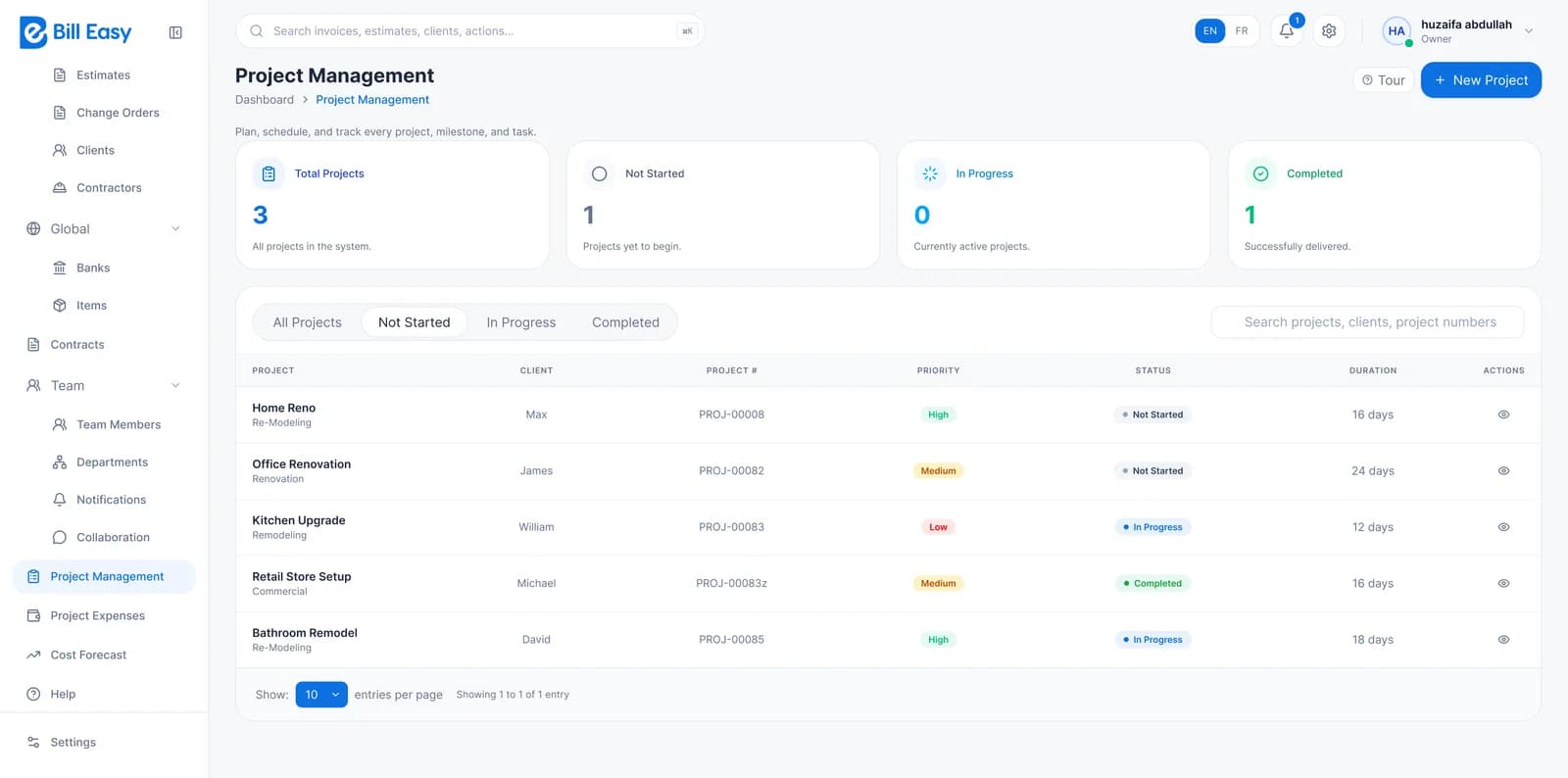
Schedule and cost on one record.
Move a date and BillEasy recalculates the forecast at completion. You see the cost of the delay the day it happens, not at month end.
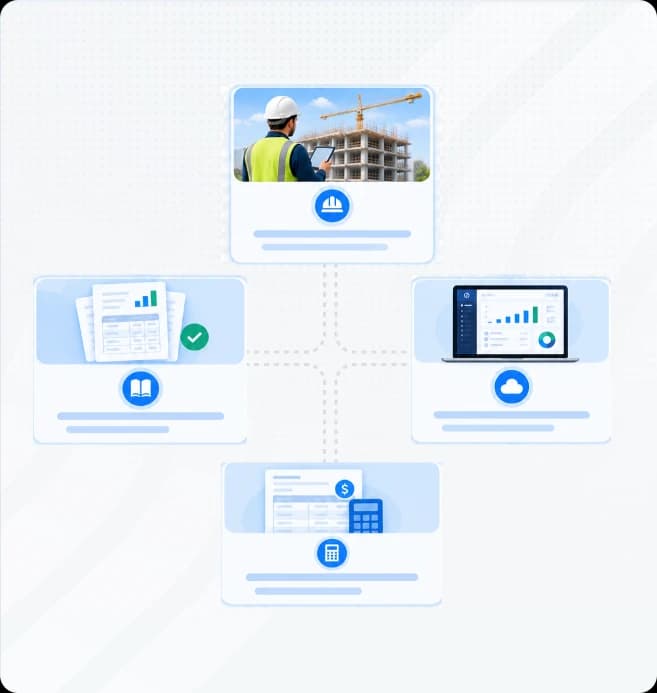
What Is Construction Project Management Software?
Construction project management software is the system that coordinates the people, time, documents and money on a build. It handles the schedule, the contracts, the subcontractors, the change orders and the client communication, so that everyone working on a job is reading from the same plan.
The difference between construction project management and general project management is cost. A software team can move a deadline and the only consequence is a later launch. On a construction site, moving a date costs money immediately: another week of equipment hire, another week of supervision, a trade that now has to be re-sequenced. Project management software for construction only works if it understands that connection.
BillEasy connects them directly. The schedule, the contract, the change order and the budget sit on the same record, so a decision made on site shows up in the forecast the same day. It is built for construction businesses between three and fifty people, where there is no dedicated scheduler, no document controller and no spare afternoon for reconciling two systems.
Six Modules. One Project System.
Everything you need to run a job, connected to what it costs.
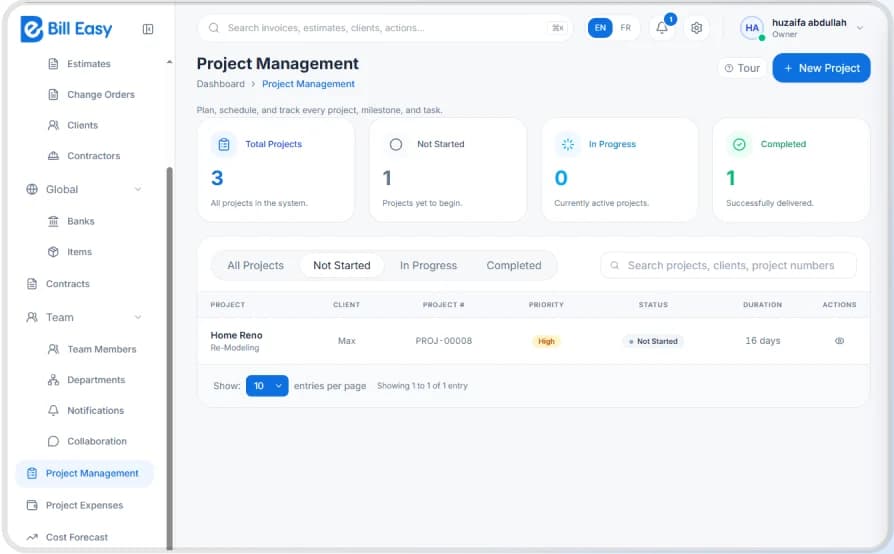
Build the schedule, assign the crews and see the knock-on effect the moment a date moves. Everyone works from one live timeline instead of three versions of a PDF.
See what's included
- Gantt schedule with task dependencies
- Baseline versus actual progress
- Milestones and critical path visibility
- Crew and subcontractor assignment per task
- Delay impact shown against budget and forecast
- Mobile schedule view for site teams
- Automatic notification when a dependent task shifts
Explore Project Scheduling- Gantt schedule with task dependencies
- Baseline versus actual progress
- Milestones and critical path visibility
- Crew and subcontractor assignment per task
- Delay impact shown against budget and forecast
- Mobile schedule view for site teams
- Automatic notification when a dependent task shifts
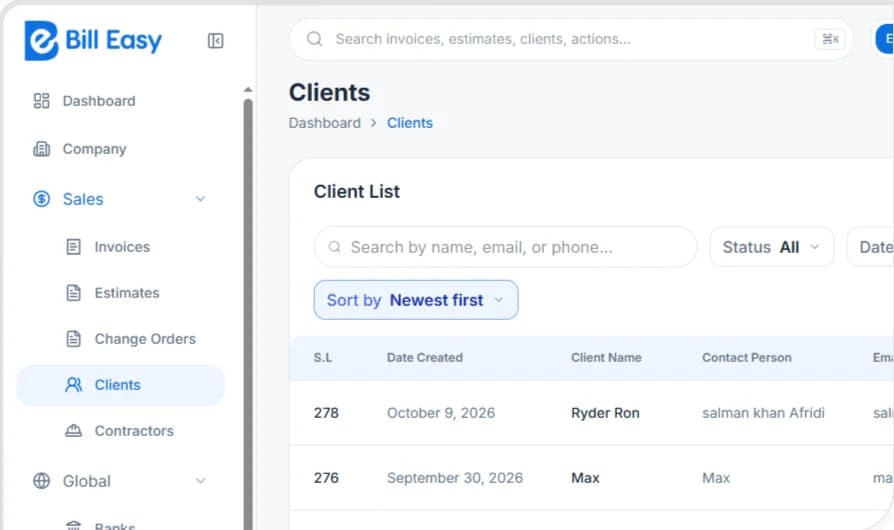
Keep contracts, change orders and signed approvals in one searchable place. Every variation links to its cost impact, so the paper trail builds itself.
See what's included
- Client contracts and subcontract agreements
- Change order creation, pricing, approval and sign-off
- Variation register with running contract value
- Document version control
- Signed approvals stored against the project
- Scope and inclusion tracking
Explore Contract Management- Client contracts and subcontract agreements
- Change order creation, pricing, approval and sign-off
- Variation register with running contract value
- Document version control
- Signed approvals stored against the project
- Scope and inclusion tracking
Compare actual spend to budget as the job runs and project where it will land at completion. Early warnings give you time to act while the margin is still there.
See what's included
- Committed versus actual cost by cost code
- Forecast at completion, updated live
- Cost-to-complete by phase
- Variance alerts at a threshold you set
- Change order impact applied automatically
- Margin tracking per job and across the portfolio
Explore Cost Control- Committed versus actual cost by cost code
- Forecast at completion, updated live
- Cost-to-complete by phase
- Variance alerts at a threshold you set
- Change order impact applied automatically
- Margin tracking per job and across the portfolio
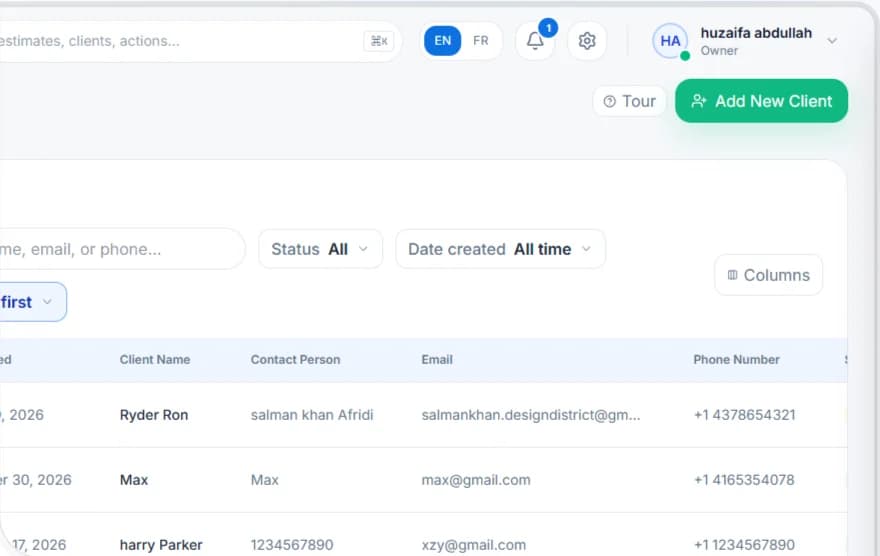
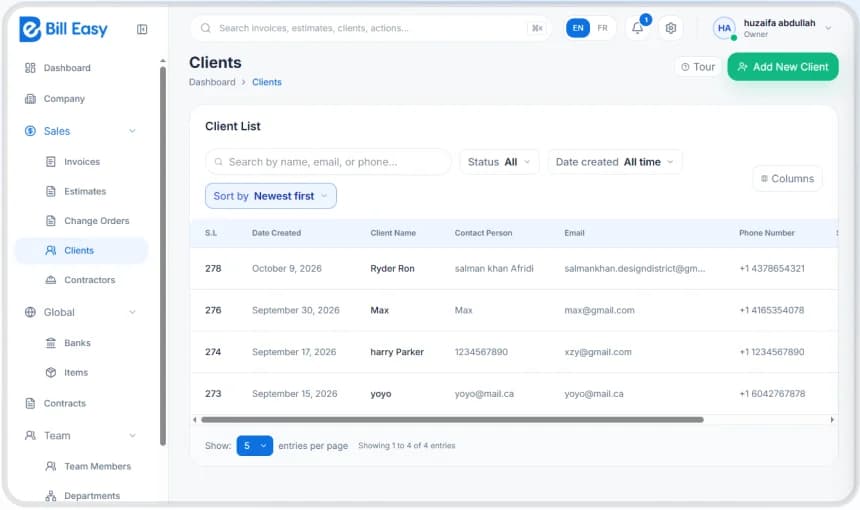
Assign people, equipment and subtrades across jobs and see who is overbooked at a glance. Hours flow straight into job costing, so labour is never a guess.
See what's included
- Resource calendar across all active projects
- Crew and equipment allocation with clash detection
- Timesheets from mobile, approved by the supervisor
- Labour hours posted to the job automatically
- Subcontractor assignment and availability
- Certification and ticket expiry tracking
Explore Team & Resources- Resource calendar across all active projects
- Crew and equipment allocation with clash detection
- Timesheets from mobile, approved by the supervisor
- Labour hours posted to the job automatically
- Subcontractor assignment and availability
- Certification and ticket expiry tracking
Track every lead, proposal and client conversation from first call to final handover. Nothing gets lost between the person who sold the job and the crew who built it.
See what's included
- Lead and opportunity pipeline
- Proposal and quote tracking with win rate
- Client portal: progress, photos, documents, invoices
- Selections and approvals with a decision log
- Communication history attached to the project
- Automated progress updates to the client
Explore Client CRM- Lead and opportunity pipeline
- Proposal and quote tracking with win rate
- Client portal: progress, photos, documents, invoices
- Selections and approvals with a decision log
- Communication history attached to the project
- Automated progress updates to the client
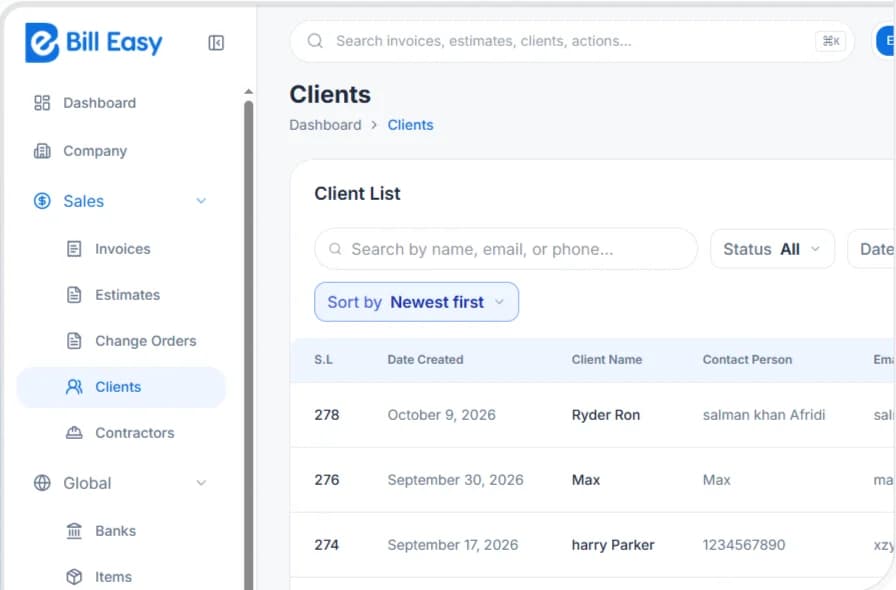
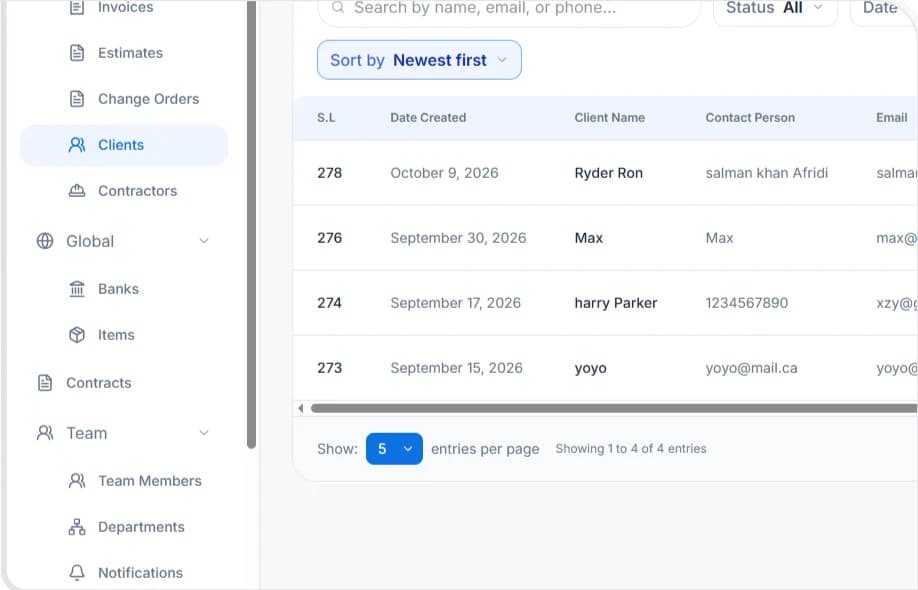
Maintain inspection records, sign-offs and document versions with a full change history. When an owner or an auditor asks, the evidence is one search away.
See what's included
- Inspection and site record logging
- Document version history and audit trail
- Subcontractor compliance documents and expiry alerts
- Safety and incident record keeping
- Approval chains with timestamps
- Export-ready audit pack
Explore Audit & Compliance- Inspection and site record logging
- Document version history and audit trail
- Subcontractor compliance documents and expiry alerts
- Safety and incident record keeping
- Approval chains with timestamps
- Export-ready audit pack
Run one job through BillEasy this week.
Import a live project, build the schedule, and watch the forecast move with it. Thirty days, no credit card, no setup fee.
One Change. Four Systems Updated. Nobody Re-Typed Anything.
- 7:10 amWhat happens
Site supervisor logs 6 crew and a delivery from his phone
What updates automaticallyLabour hours post to the job. Material cost hits the budget
- 9:45 amWhat happens
Client asks for an upgrade on site
What updates automaticallyChange order raised, priced from the cost library, sent for approval
- 11:20 amWhat happens
Client approves it in the portal
What updates automaticallyContract value updates. Budget updates. Forecast at completion updates
- 1:30 pmWhat happens
Framing slips three days
What updates automaticallyDependent tasks reschedule. Crew reassigned. Delay cost flagged
- 3:00 pmWhat happens
PM checks the job
What updates automaticallyCommitted, spent, remaining and forecast margin all current
- 4:45 pmWhat happens
Controller runs the report
What updates automaticallyNumbers match the field. Nothing to reconcile
Six events. One entry each. Zero spreadsheets.
Project Management Software for Construction Teams of Every Size
General Contractors
Multi-job scheduling, subcontractor coordination, change order control and compliance across every site at once.
Run twelve jobs without twelve spreadsheets.
Home Builders
Build schedules, client selections, change orders and a portal that answers the client's questions for you.
Fewer calls. Faster decisions. Better margin.
Subcontractors
Crew scheduling across jobs, timesheets straight to costing, and variation tracking so nothing is built for free.
Know where your people are and what they earned you.
Project Managers
One live schedule, one budget, one forecast, and alerts before a problem becomes a loss.
Stop finding out at month end.
Owners and Directors
Portfolio view across every active job: margin, forecast, risk and resourcing.
See the whole business on one screen.
How BillEasy Compares on Construction Project Management
The capabilities that decide whether a platform fits a Canadian construction business of three to fifty people. We have marked where we do not compete as clearly as where we do.
Legend: ● Full ◐ Partial or paywalled to a higher tier ○ Not offered
Pricing published
- BillEasy
- CAD
- Procore
- Autodesk Build
- USD
- Buildertrend
- Fieldwire
- USD
- JobTread
- USD
- Contractor Foreman
- USD
- Knowify
- USD
Priced in Canadian dollars
- BillEasy
- Procore
- Autodesk Build
- Buildertrend
- Fieldwire
- JobTread
- Contractor Foreman
- Knowify
Free trial
- BillEasy
- 30 days
- Procore
- demo
- Autodesk Build
- Buildertrend
- demo
- Fieldwire
- free tier
- JobTread
- refund
- Contractor Foreman
- 30 days
- Knowify
| Capability | BillEasy | Procore | Autodesk Build | Buildertrend | Fieldwire | JobTread | Contractor Foreman | Knowify |
|---|---|---|---|---|---|---|---|---|
| Pricing published | CAD | USD | USD | USD | USD | USD | ||
| Priced in Canadian dollars | ||||||||
| Free trial | 30 days | demo | demo | free tier | refund | 30 days | ||
| No setup or implementation fee | C$7k-21k | C$565+ | ||||||
| Free users for field, subs and clients | per user | +US$29 | ||||||
| Gantt schedule with dependencies | ||||||||
| Change orders linked to the budget | bundle | bundle | top tier | |||||
| Cost ledger native in the same product | separate bundle | integration | integration | integration | ||||
| Statutory holdback tracked automatically | ||||||||
| T5018 contract payment reporting | ||||||||
| WSIB and WCB clearance tracking | ||||||||
| Prompt payment timelines by province | ||||||||
| Client portal with selections and approvals | Not published | |||||||
| Drawing and sheet management with markup | ||||||||
| BIM model viewing | top tier | |||||||
| Time to go live | Same day | 4-12 wks | 1-3 wks | 1-2 wks | 1-2 wks | Not published |

Nobody else handles Canadian rules.
Across every major platform in this category we could not find one that tracks statutory holdback, prompt payment timelines, T5018 or WSIB clearance natively. The only products that do are construction accounting ERPs at roughly C$12,000 to C$40,000 a year. That is the gap BillEasy was built for.
BillEasy Is Not Trying to Be Famous Canadian Construction Project Management Software
If you are a large general contractor running sheet sets, BIM coordination and formal submittal review across hundreds of millions in annual volume, then we are better than famous US built software or products. We do drawing management, we do view BIM models, and our RFI workflow is deliberately simpler to use.
We do not leave it to your accountant like other platforms. Schedules that know what a delay costs. Change orders that reach the invoice. Holdback, T5018 and WSIB handled rather than exported to a spreadsheet. And a price you can read on a web page, in Canadian dollars, without a sales call.
If you are a Canadian construction business between ten and thousand people, this trade is usually the right one.
Thirty days. Your jobs. No credit card.
Build a real schedule, raise a real change order, and see what it does to the forecast. If it does not fit how you work, walk away and owe nothing.
No setup fee. No contract. Cancel anytime.
What Canadian Builders Say
 Based on 456 reviews
Works With What You
Already Use
Your bookkeeper keeps working the way they already do. Job-level detail stays in BillEasy where the project team can see it, and only the accounting entries flow across.



- Calendar sync for schedules

Frequently Asked Questions
Find answers to common questions about BillEasy's features, pricing, setup, and construction management tools to help you get started confidently.
Get Customized Demo Now!It is the system that coordinates the people, time, documents and money on a build: the schedule, the contracts, the subcontractors, the change orders and the client communication. The difference from general project management software is cost. On a construction site, moving a date costs money immediately, so the schedule and the budget have to be connected. BillEasy connects them on the same record.
Procore and Buildertrend are strong, established platforms built primarily for the US market, and Procore is designed for larger contractors with enterprise budgets and implementation timelines. BillEasy is built for Canadian construction businesses between three and fifty people, handles Canadian compliance out of the box, publishes its pricing in Canadian dollars, charges no setup fee, and has you running the same day. See the comparison table above for the detail.
See Your Whole Job on One Screen
Thirty days free. Your real projects. No credit card, no setup fee, no contract.
Questions? Call us during business hours or start a live chat. A real person answers.

Quick Links:
© All Rights Reserved 2026 - BillEasy. Powered by Apex Web Studios